


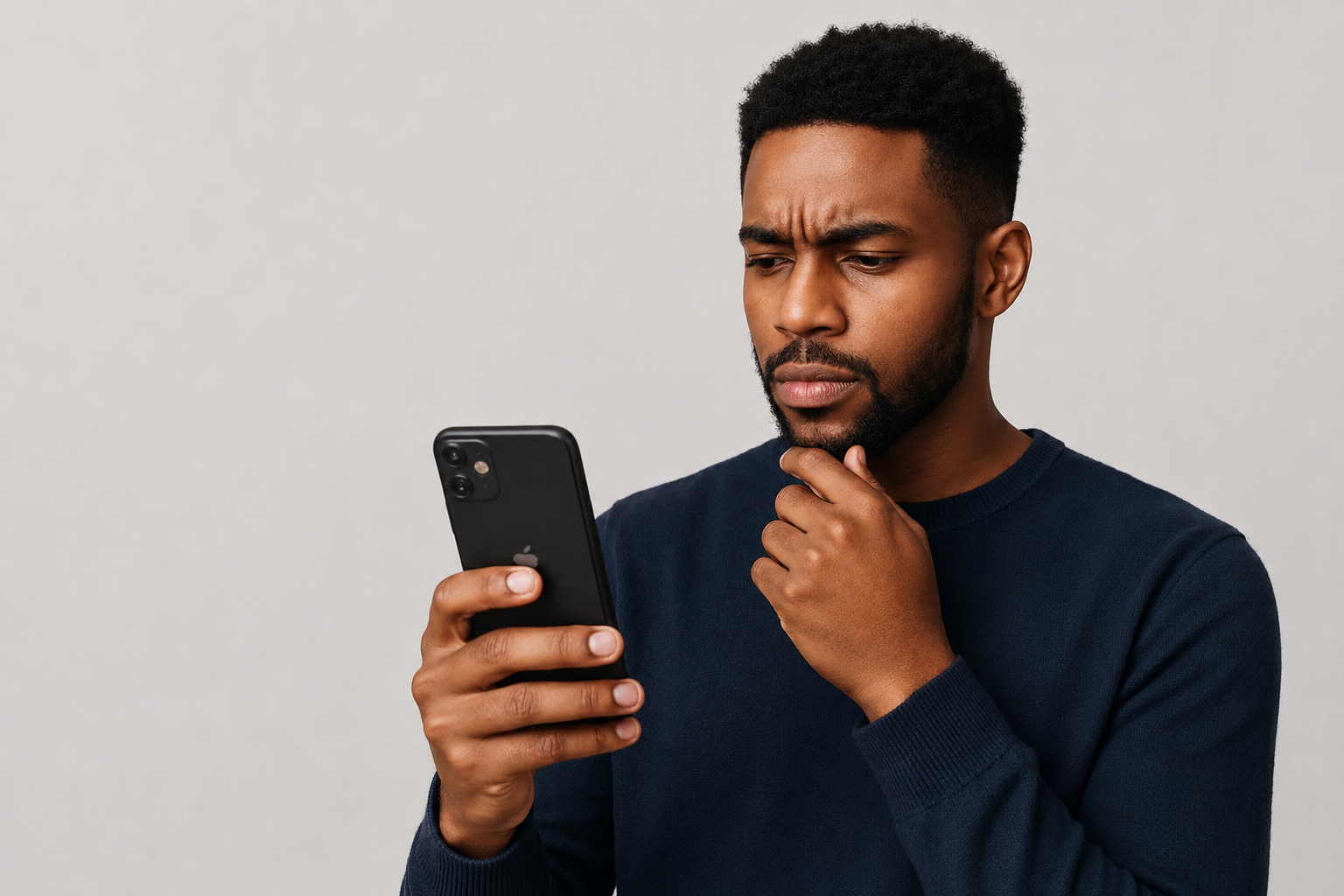
Things You Must Check Before Buying A Used Iphone
Buying a used iPhone can be a great way to save money, but it can also be a trap if you are not careful. Many people rush into buying second-hand iPhones because they are cheaper, yet they forget to verify some basic details that could reveal big problems. When you buy a used iPhone without checking it properly, you might end up with a phone that has a fake screen, a weak battery, or one that is locked to another owner’s Apple ID. To avoid such disappointments, there are simple steps that everyone should follow before completing the deal.
Before you meet the seller, take time to prepare. Go with your charger and a working SIM card so that you can test if the phone connects well to your network. It is better to meet in a bright public place such as a café or an open area in daytime. This keeps you safe and allows you to examine the phone properly. If you are buying online, always ask for clear pictures of the phone from all angles including the front, back, and sides. This helps you notice scratches, cracks, or dents even before meeting the seller.
When you finally have the phone in your hands, start with the basic physical inspection. Turn on the device and make sure it boots up correctly. If it does not turn on or shows a strange screen, it may have a serious internal problem. Look at the screen carefully to see if there are cracks, black spots, or lines that suggest damage. Also, check the edges of the phone to ensure it has not been bent or dropped. The charging port should not be loose or broken, as that might stop it from charging properly.
After checking the body, go into the phone’s settings. Open Settings, then General, then About. Here you can find important information about the phone’s model number, serial number, and battery health. Check that the phone is not locked to someone else’s Apple ID. If you see a message saying “Locked to Owner,” do not buy it because it cannot be activated without the previous owner’s password. You should also dial *#06# to view the IMEI number and use it to check online if the phone has been blacklisted or blocked by a carrier.
Look carefully at the model number because the first letter tells you something important. If it starts with M, it was originally sold as new. If it starts with F, it means the phone was refurbished by Apple or an authorized partner. If it begins with N, the phone was given as a replacement after a repair. If you see P or B, it means the phone was customized, usually engraved when purchased. The last two letters of the model number show the country where it was first sold, for example LL for the United States or CH for China. This can help you know if the phone was imported or meant for your region.
Next, test the main functions of the iPhone. Try setting up Face ID or Touch ID to confirm that it works. Increase the brightness of the screen to the highest level and check if the “True Tone” feature appears in the display settings. True Tone helps the screen adjust colors to match lighting conditions. If it is missing, that may mean the screen was replaced with a non-genuine one. Test the cameras by taking photos and videos with both the front and back lenses. Play music or make a call to see if the speakers and microphone work well. Plug in your charger and see if the phone charges normally without overheating.
Battery health is another key detail. Go to Settings, then Battery, then Battery Health and Charging. You will see a percentage called Maximum Capacity. If it is 90 percent or higher, the battery is in good condition. Anything lower means it may need replacement soon. You can also check the Parts and Service History in Settings, under General and About, if your iPhone uses iOS 15.2 or later. This will show whether parts like the screen or battery were replaced and if they were genuine Apple parts or not. If you see “Unknown Part,” it is a warning that the repair was not done with official Apple components.
After verifying the phone’s internal condition, check if it supports the networks in your country. Some iPhones bought overseas do not work well with local carriers because they were designed for other regions. Insert your SIM card and make sure you can make calls and access mobile data. If the phone asks for a carrier unlock code, it means it is still locked to another network. You should also check whether there is any remaining warranty using Apple’s website. Ask the seller to provide the purchase receipt if possible, as this proves ownership and protects you from buying stolen property.
Finally, look at the price. If the iPhone has poor battery health, a non-genuine screen, or unknown parts, you can negotiate a lower price or decide not to buy. Do not allow yourself to be pressured into rushing. A genuine seller will let you take your time to inspect the phone. Avoid sellers who refuse to show the settings or try to stop you from checking the device properly.
Buying a used iPhone can be a smart choice if you are careful and patient. With these checks, you will have more confidence in what you are paying for. Always remember that a cheap price is not always a good deal if the phone comes with hidden problems. Take your time, follow the steps, and make sure the iPhone you buy is worth your money.
Share this
- Click to share on Facebook (Opens in new window)
- Click to share on WhatsApp (Opens in new window)
- Click to share on Twitter (Opens in new window)
- Click to share on Threads (Opens in new window)
- Click to share on LinkedIn (Opens in new window)
- Click to share on Pinterest (Opens in new window)
- Click to email a link to a friend (Opens in new window)
Discover more from The HotJem
Subscribe to get the latest posts sent to your email.